Rosters, timesheets and clocking in.
Build the week's roster, let staff clock in with a badge, and see rostered hours next to worked hours before you do the pays.
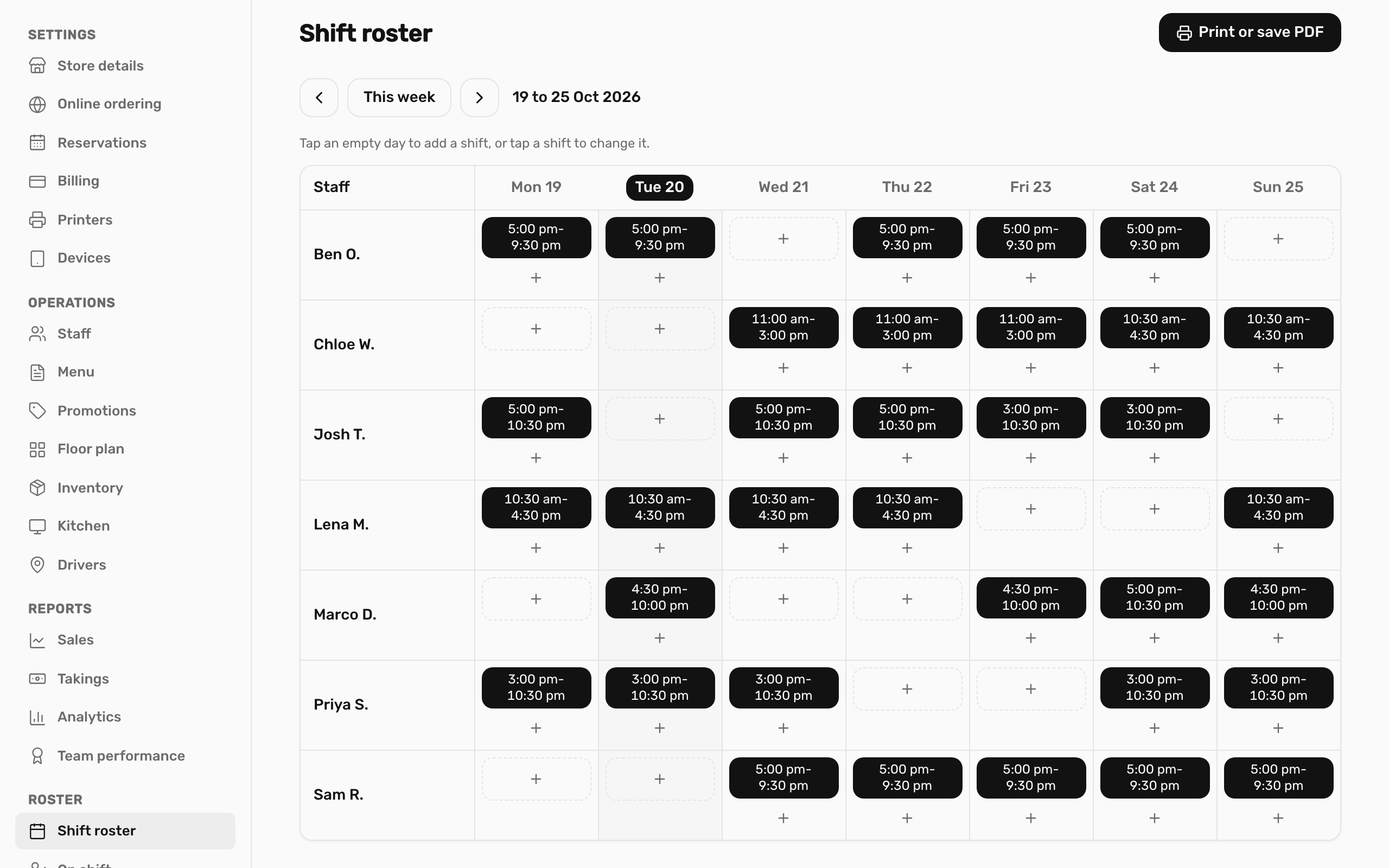
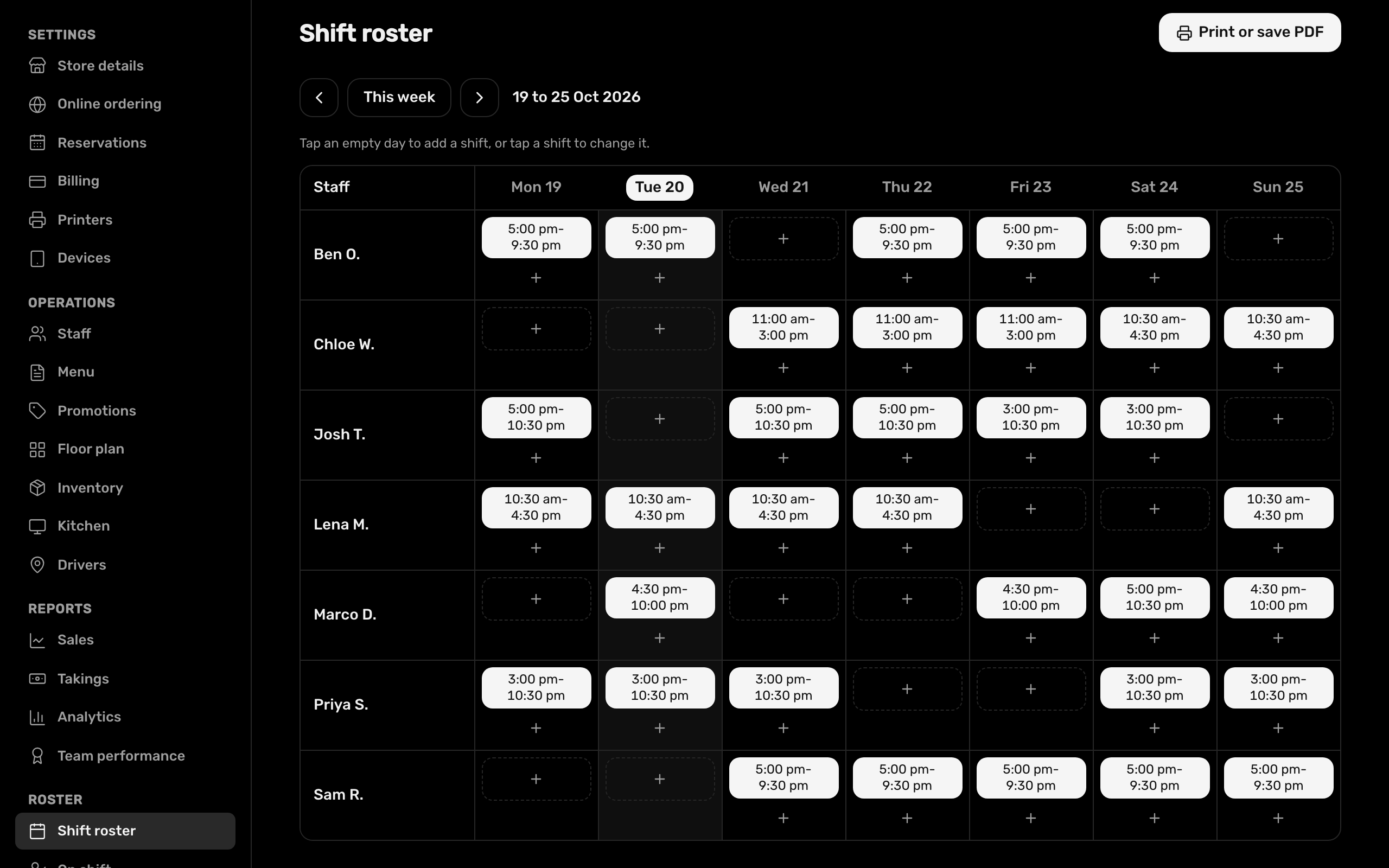
Build the week's roster.
Add and edit shifts for the week, then send staff the roster as a PDF.
- Casual, part-time and full-time staff
- Unpaid break rules
- Long shift alerts: hours are held until a manager confirms them
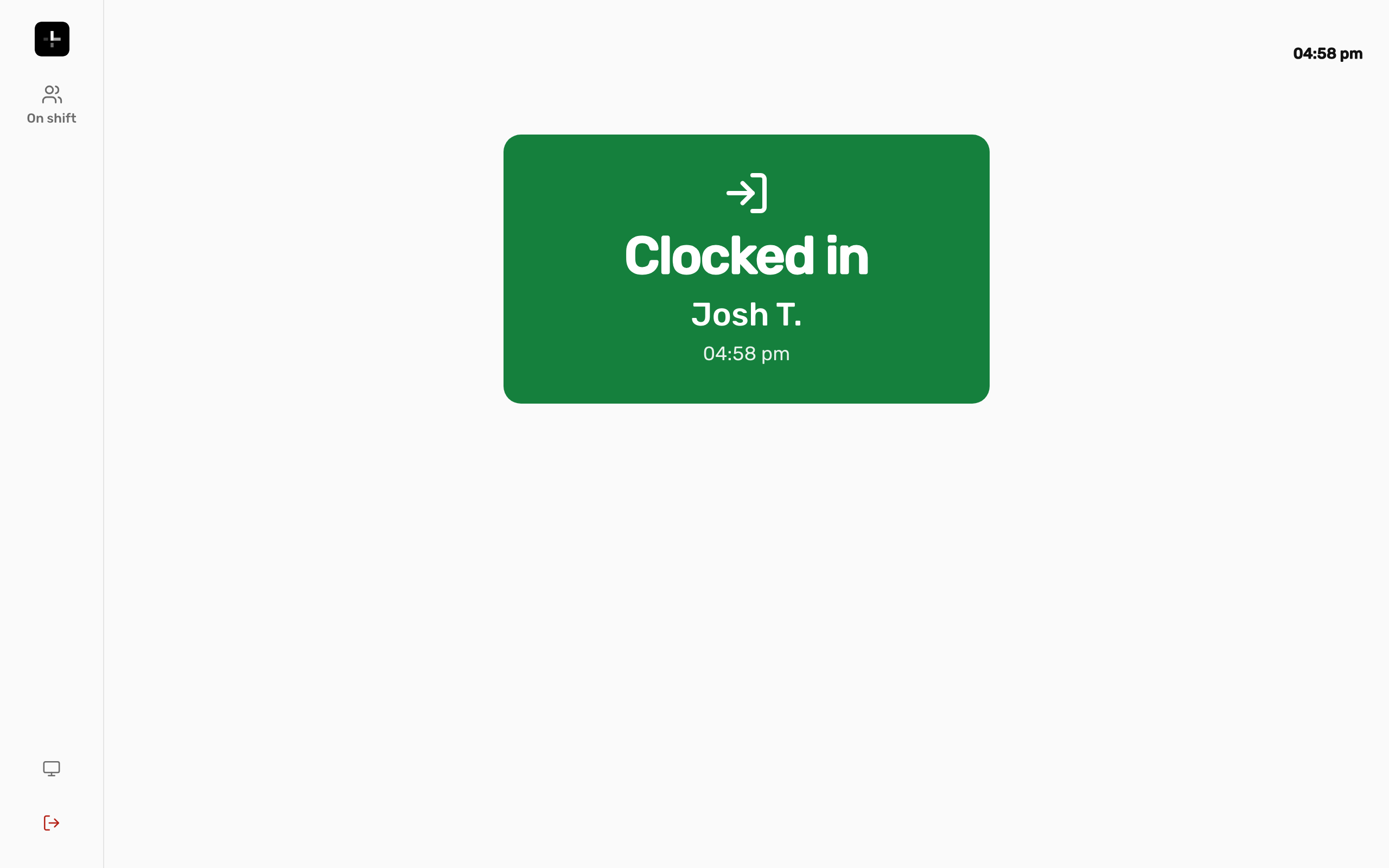
Clock in with a badge.
A tablet at the door scans each person's badge with its camera. If the internet drops, punches are kept on the tablet and sent when it's back.
- Badges issued for each staff member
- See and remove the tablets that can clock people in
- See who's on shift right now
Timesheets you can trust.
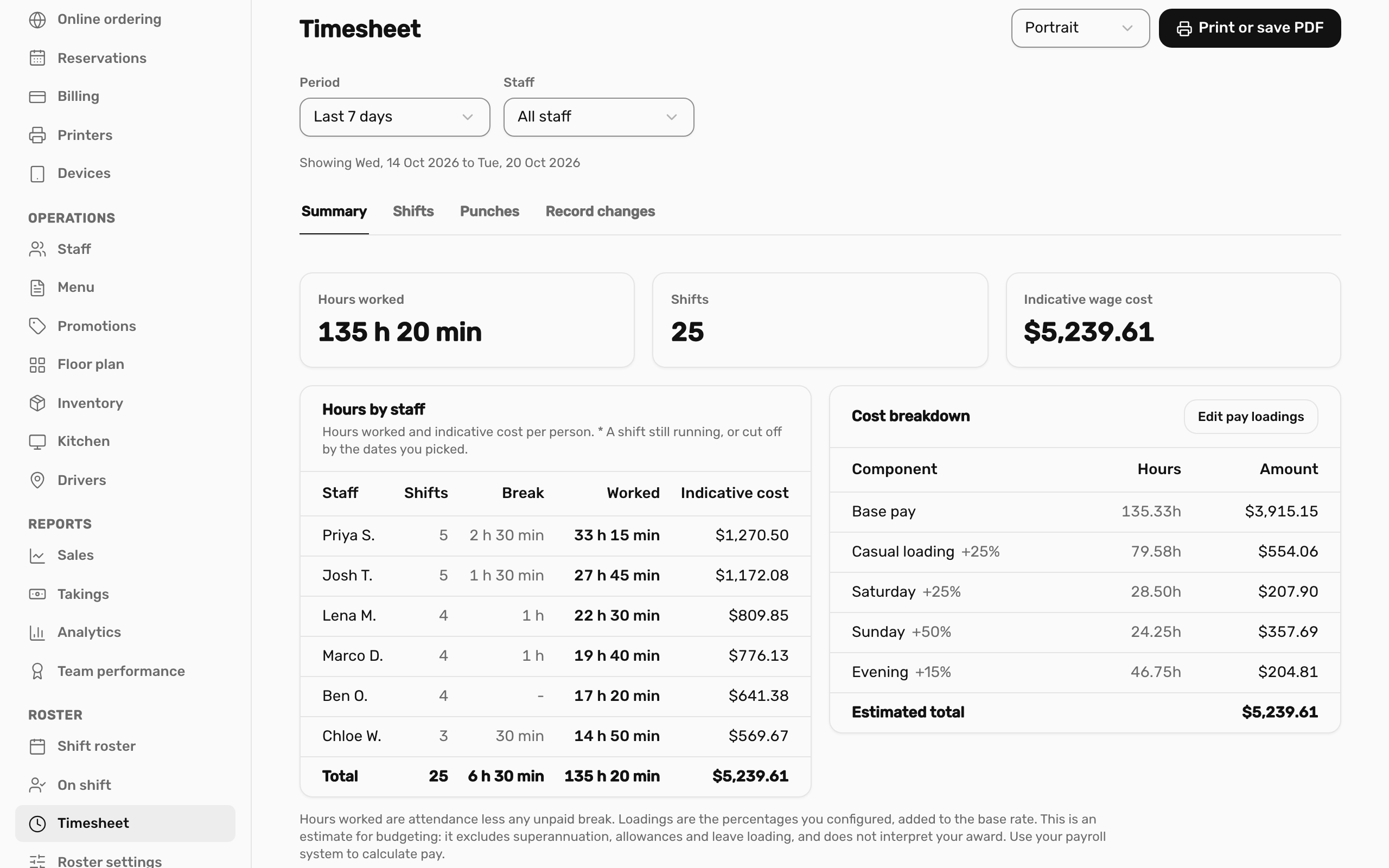
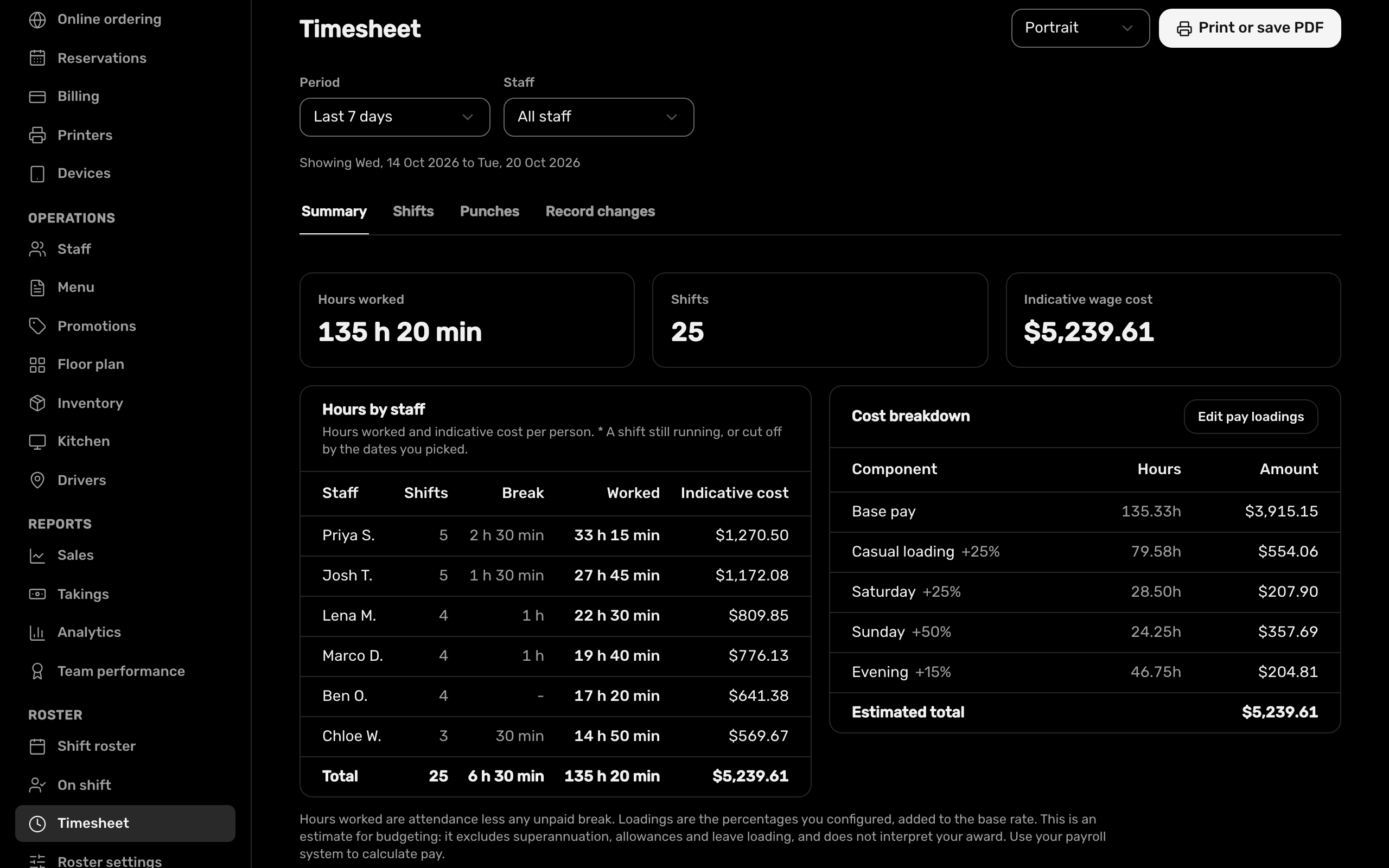
Rostered against worked for every shift, with a leeway you set for early and late. Edits and voids need a reason, and timesheets export to PDF.
- Wage cost from each person's pay rate and the loadings you set
- Archive staff who leave and restore them if they come back
- Staff PINs for the POS
At a glance.
- Timeclock
- Android tablet with a camera
- Limit
- Up to 50 staff per store (drivers are counted separately)
- Included in
- Adakite Restaurant
See it with your own menu.
We'll set up a demo the way your shop works, or start you on a free trial.