Analytics that go past the takings.
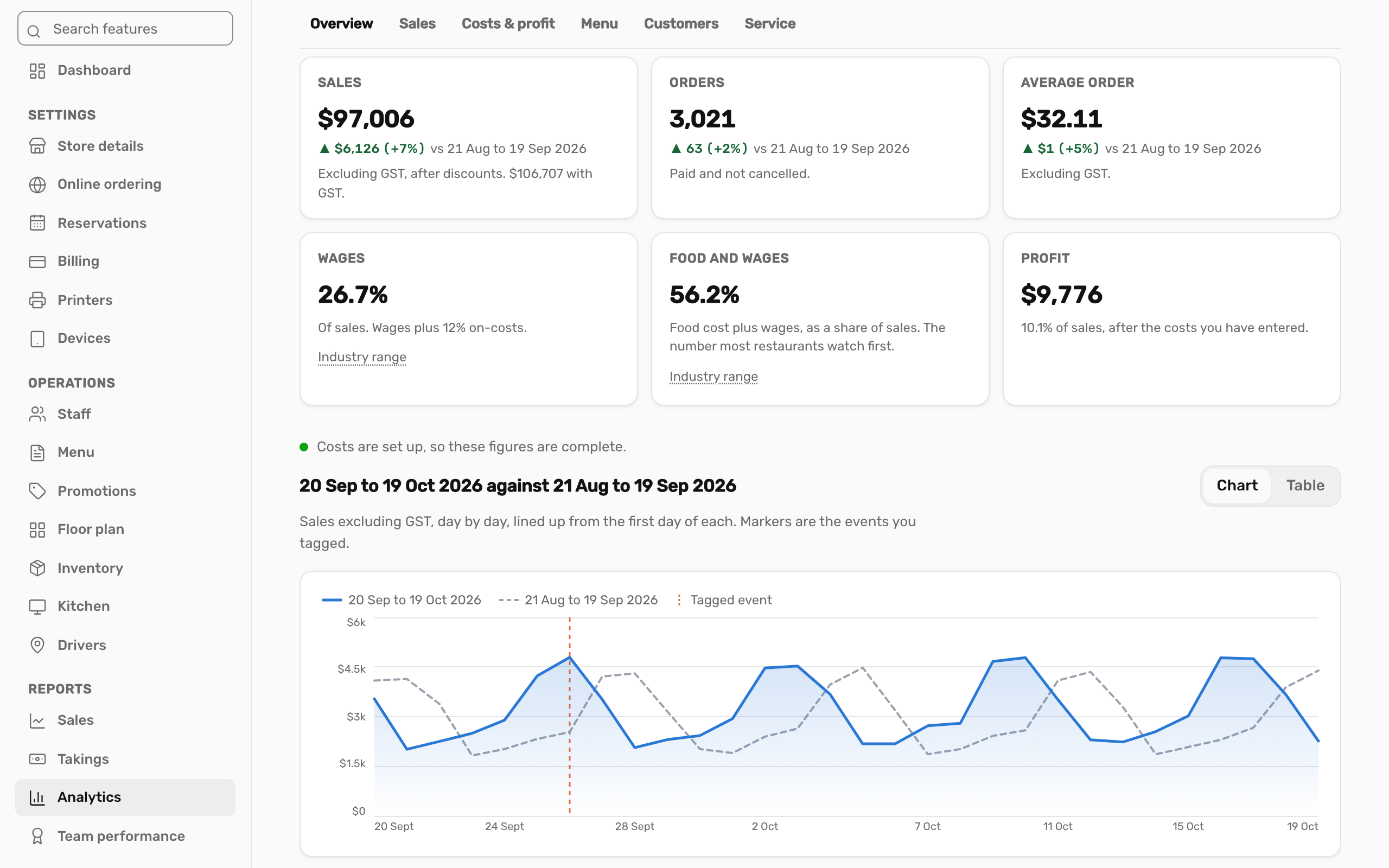
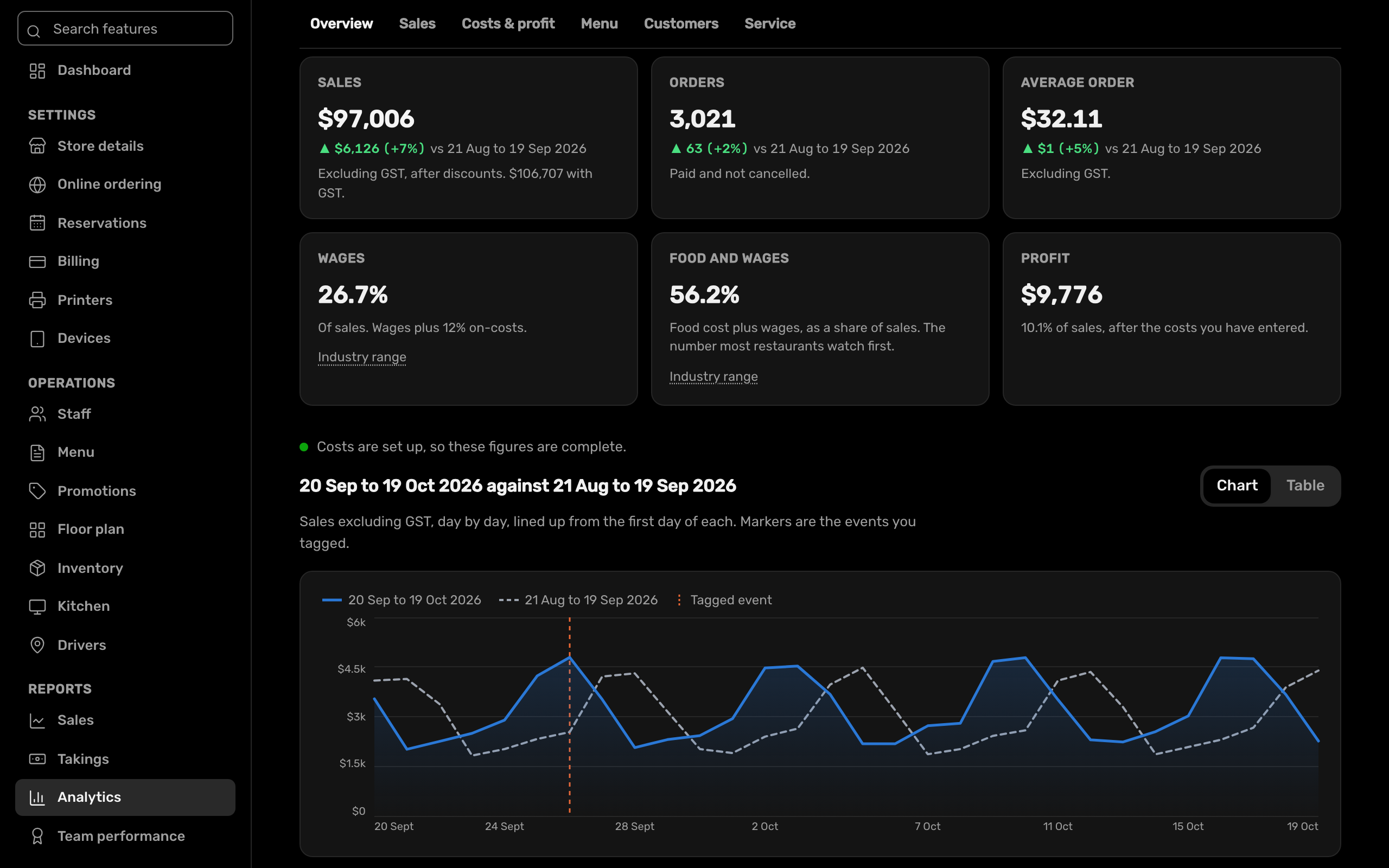
Six views of the business, built from the orders, recipes and timesheets already in Adakite. Compare any period with another. For owners only; staff screens never show the takings.
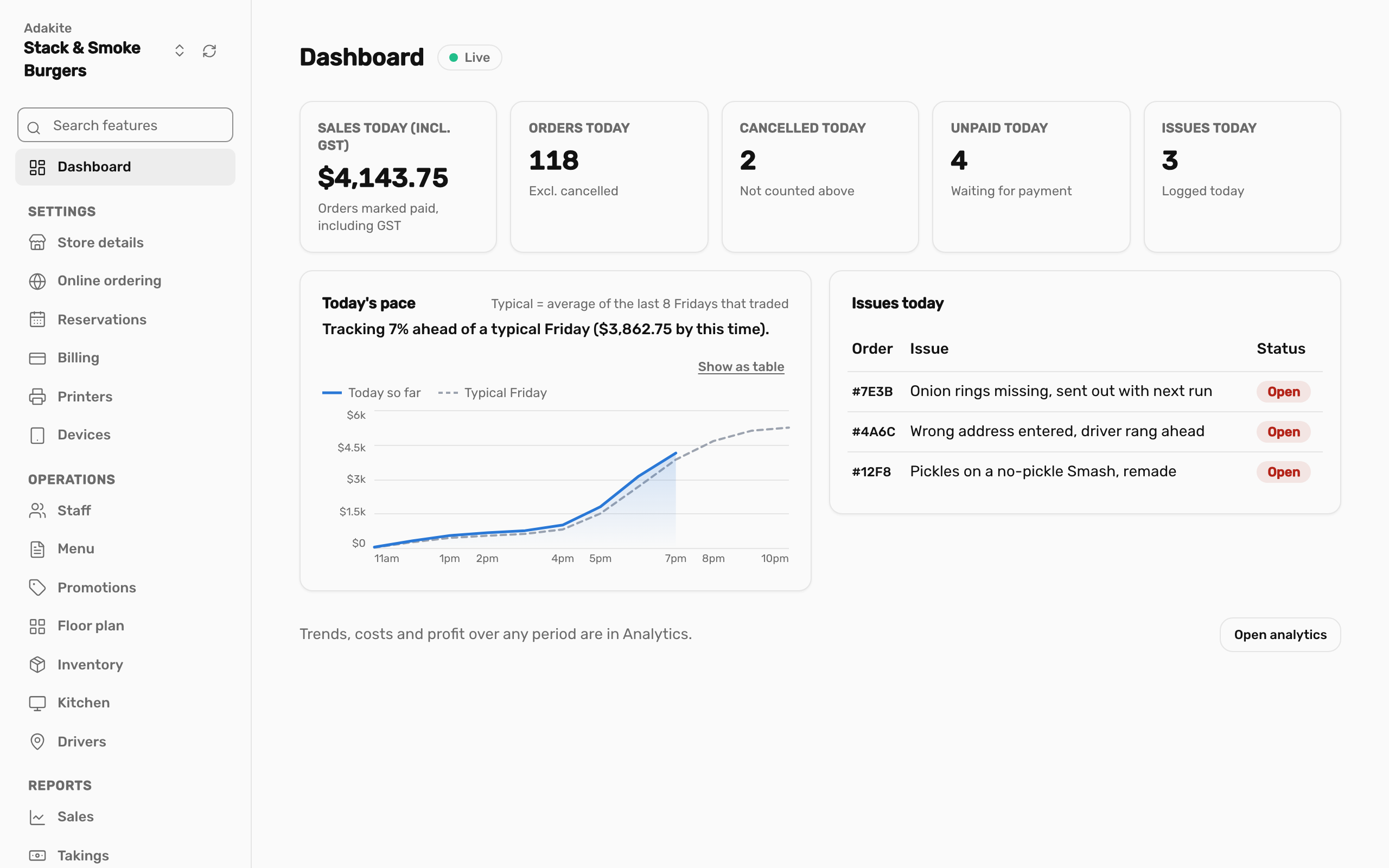
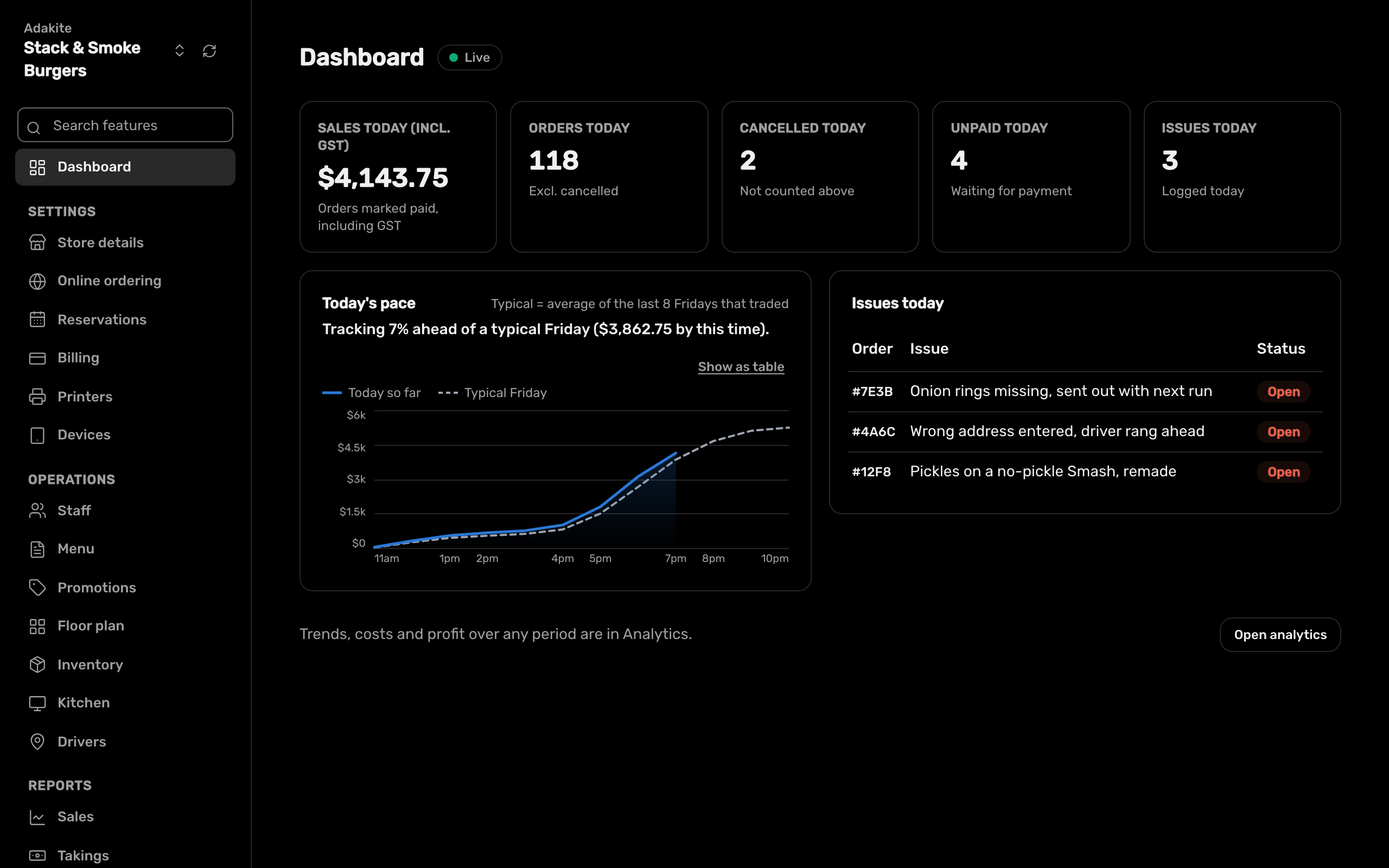
Today, as it happens.
A dashboard for today, with sales as they come in and how the day is pacing.
- Takings by day and payment method, with till variances
- Close of day, kept with the takings
- Busy and quiet times of the day
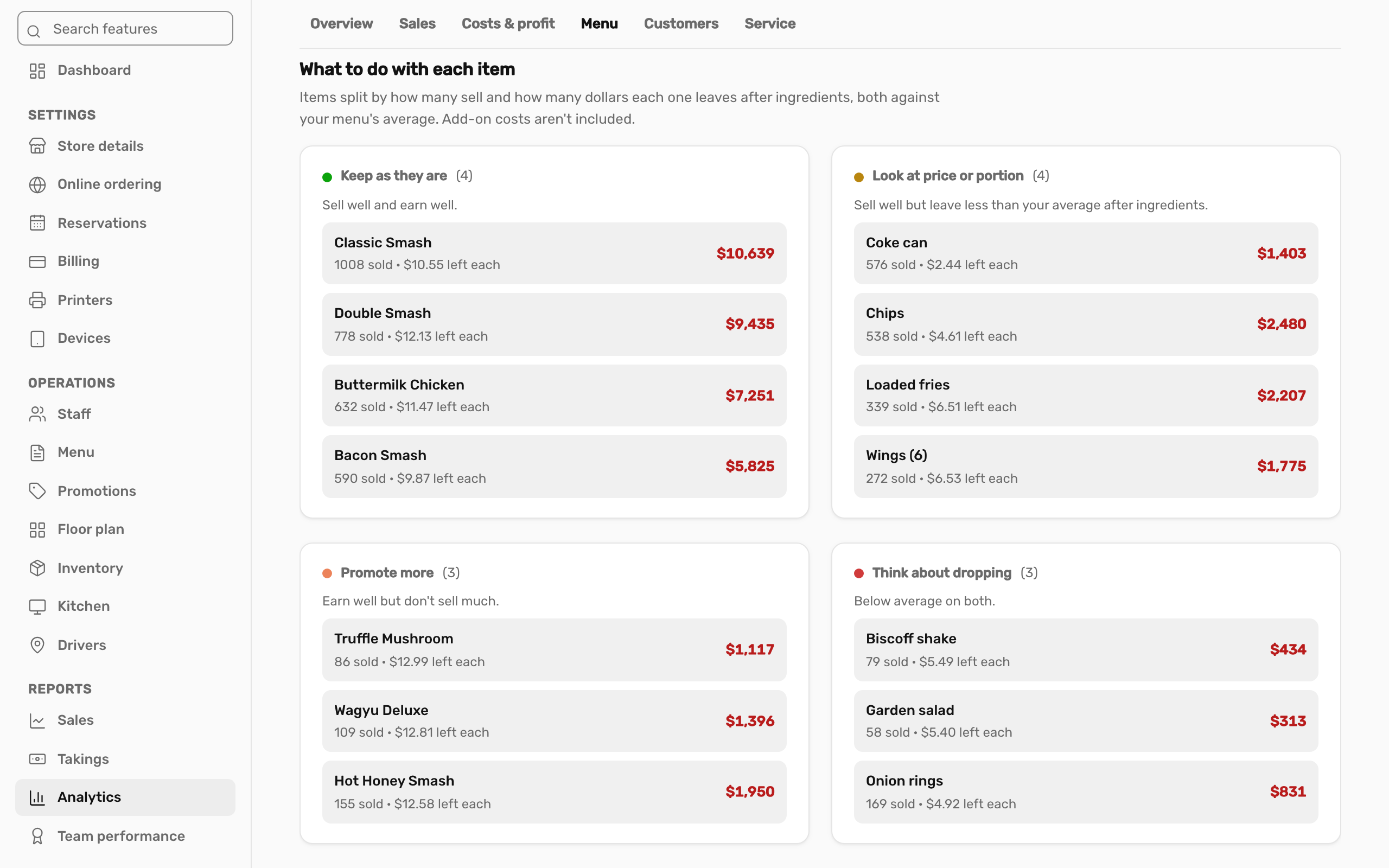
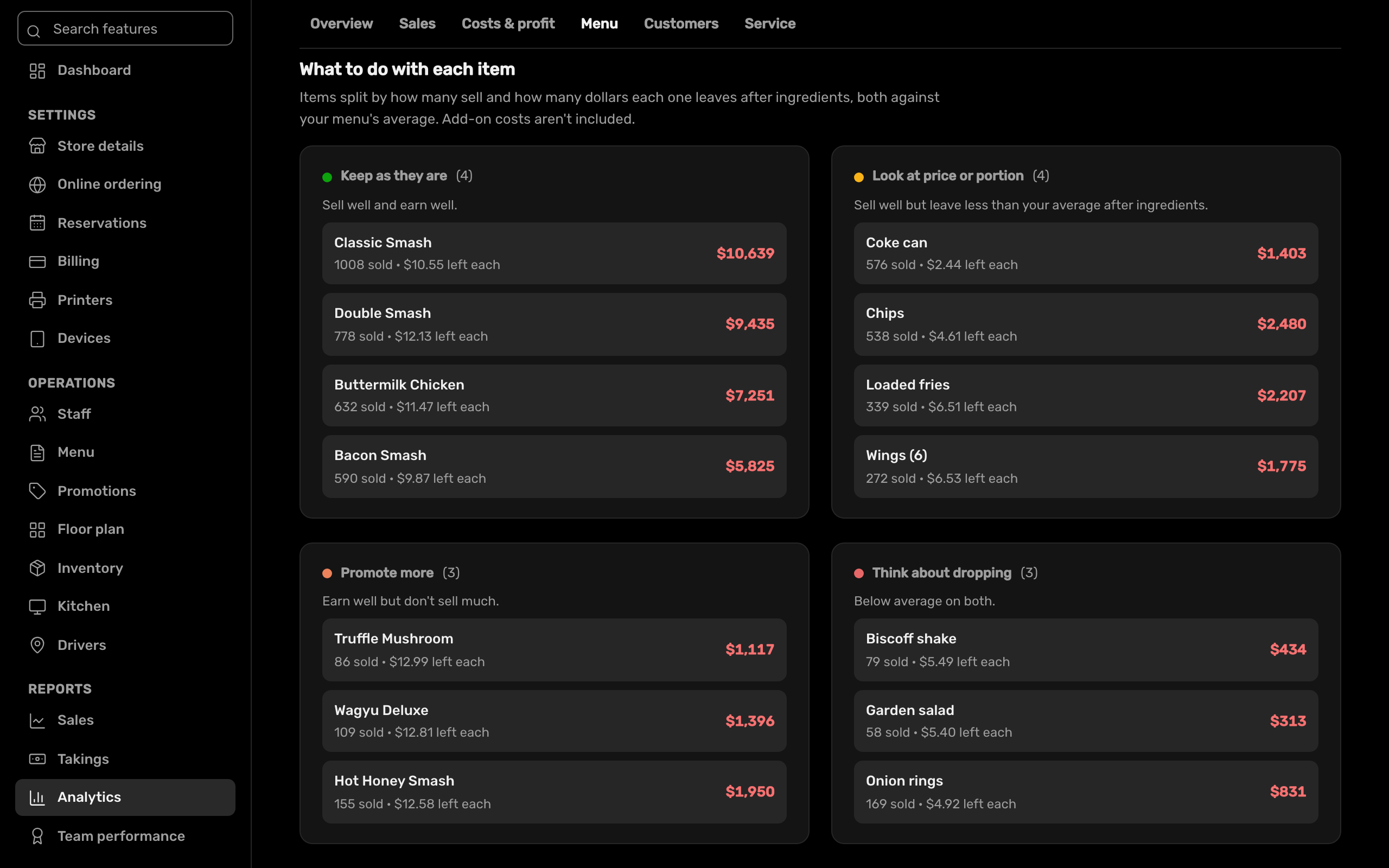
Know which dishes earn their place.
Every menu item sorted into four lists: what to keep, push, fix or drop, from how well it sells and what it costs you to make.
- Sales by channel, delivery share, fees and refunds
- New and returning customers, and sales from your regulars
- Discounts given away, cancellations and kitchen times
Profit, not just sales.
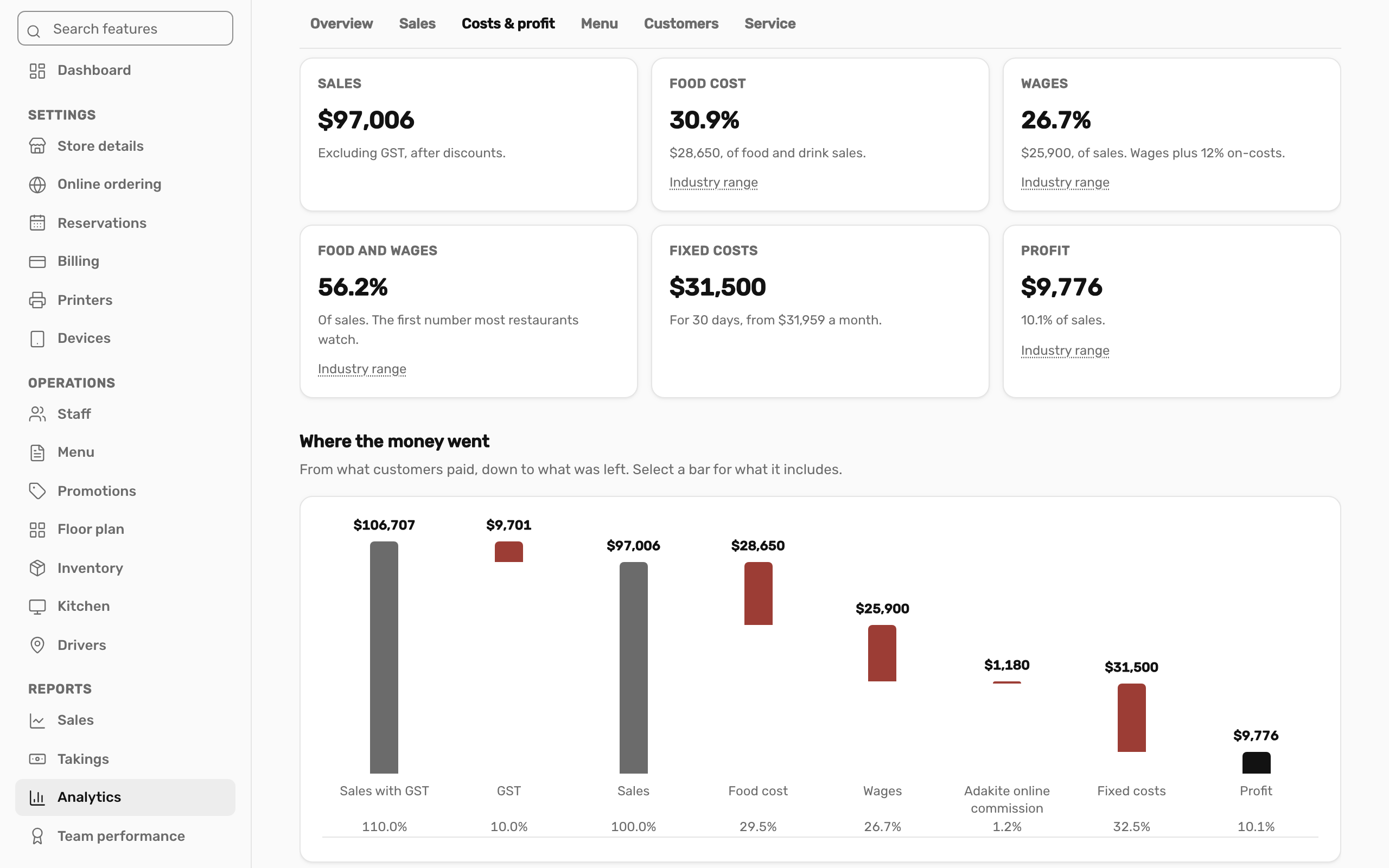
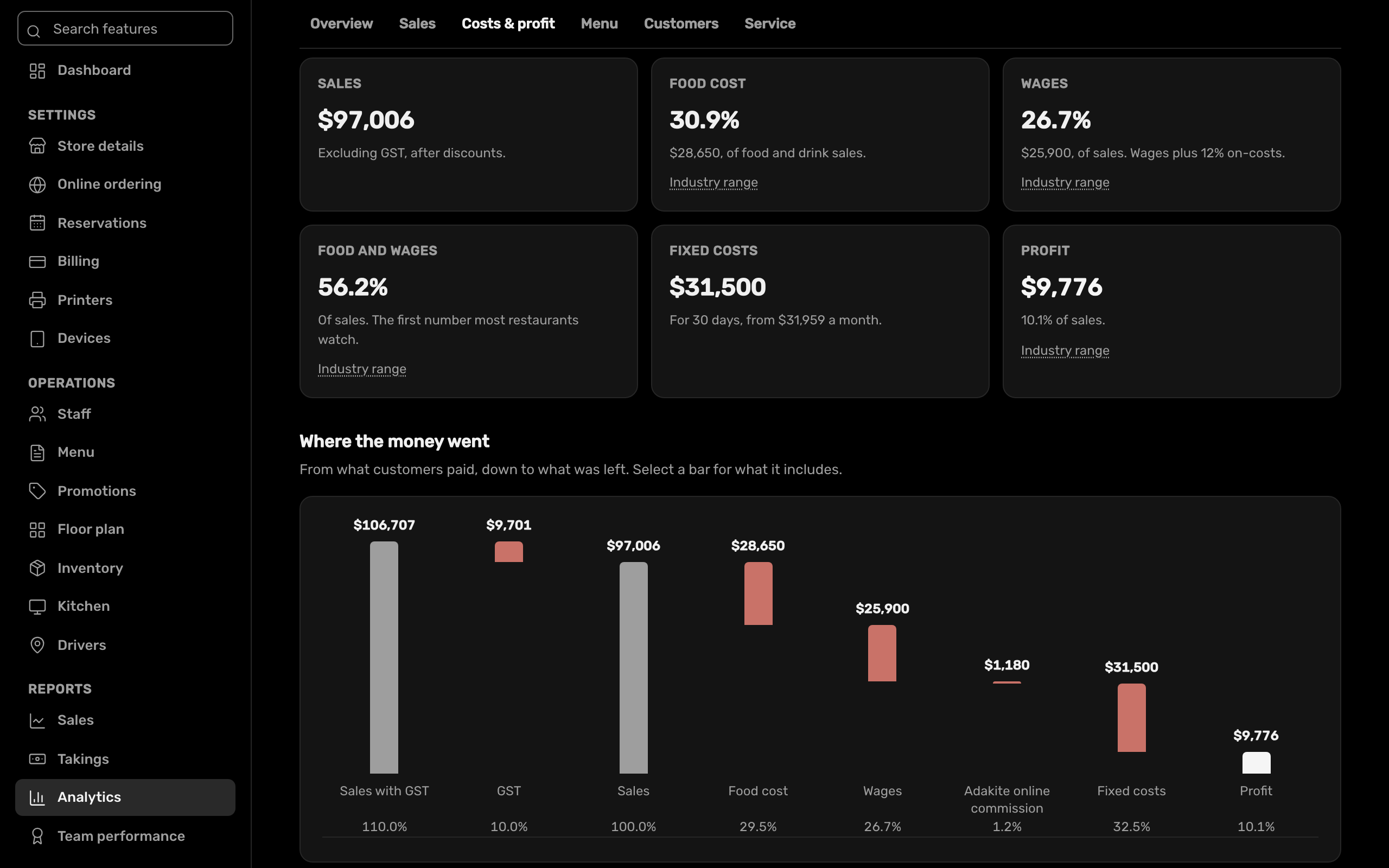
Food cost comes from your recipes and wages from your timesheets. Add your fixed costs and you see what the business actually made.
- Food cost, wages and fixed costs against sales
- Sales per staff hour
- Compare any two periods, and tag the days something happened
- Download any table as CSV
At a glance.
- Who sees it
- Owners, and managers with access to reports
- Six views
- Overview, sales, menu, customers, service, costs and profit
- More than one store
- Switch between stores under one login
- Included in
- Adakite Restaurant
See it with your own menu.
We'll set up a demo the way your shop works, or start you on a free trial.