The right order at the right station.
Kitchen screens and printed dockets, routed by station, so the grill only sees burgers, the wok only sees noodles, and nobody shouts across the pass.
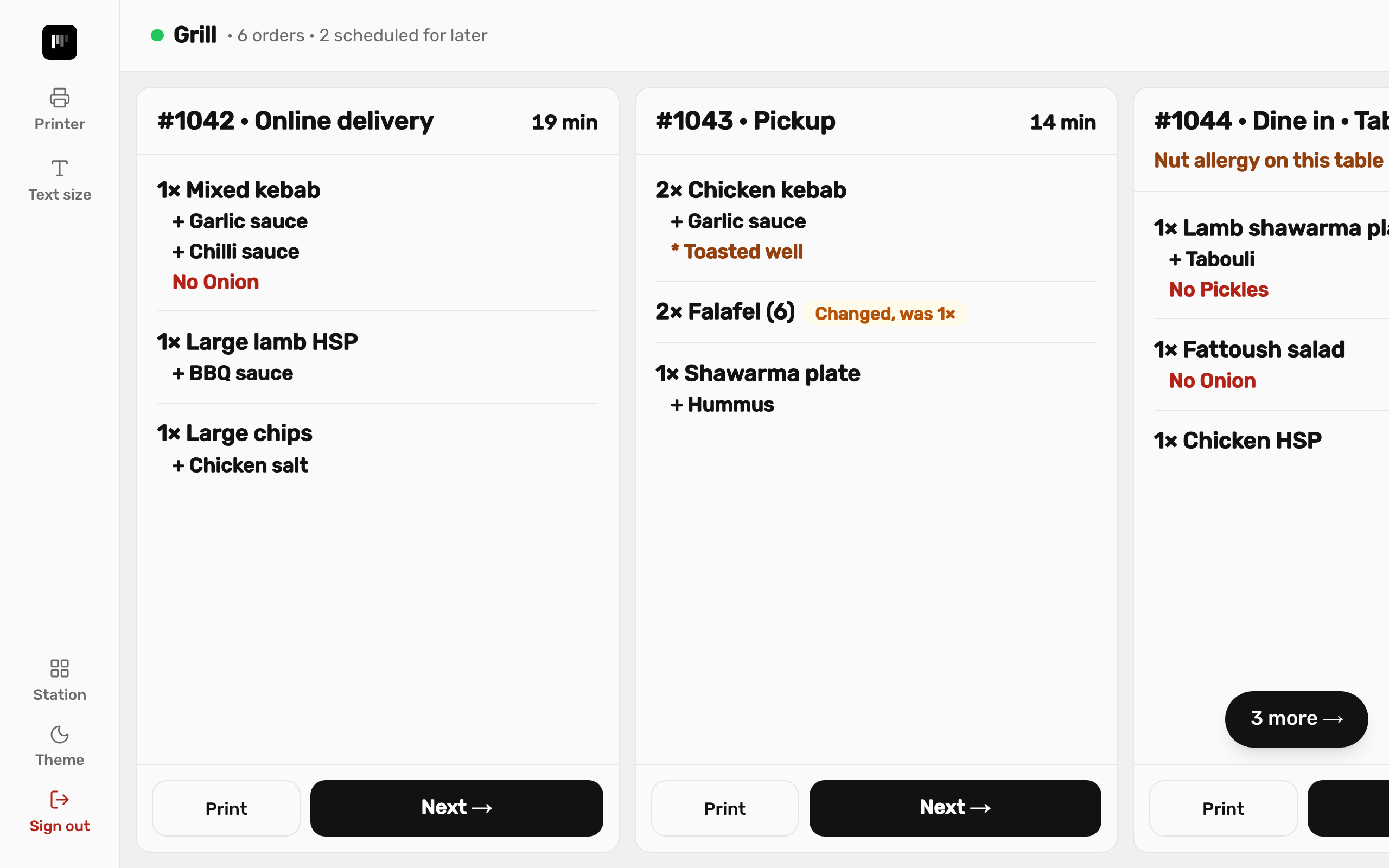
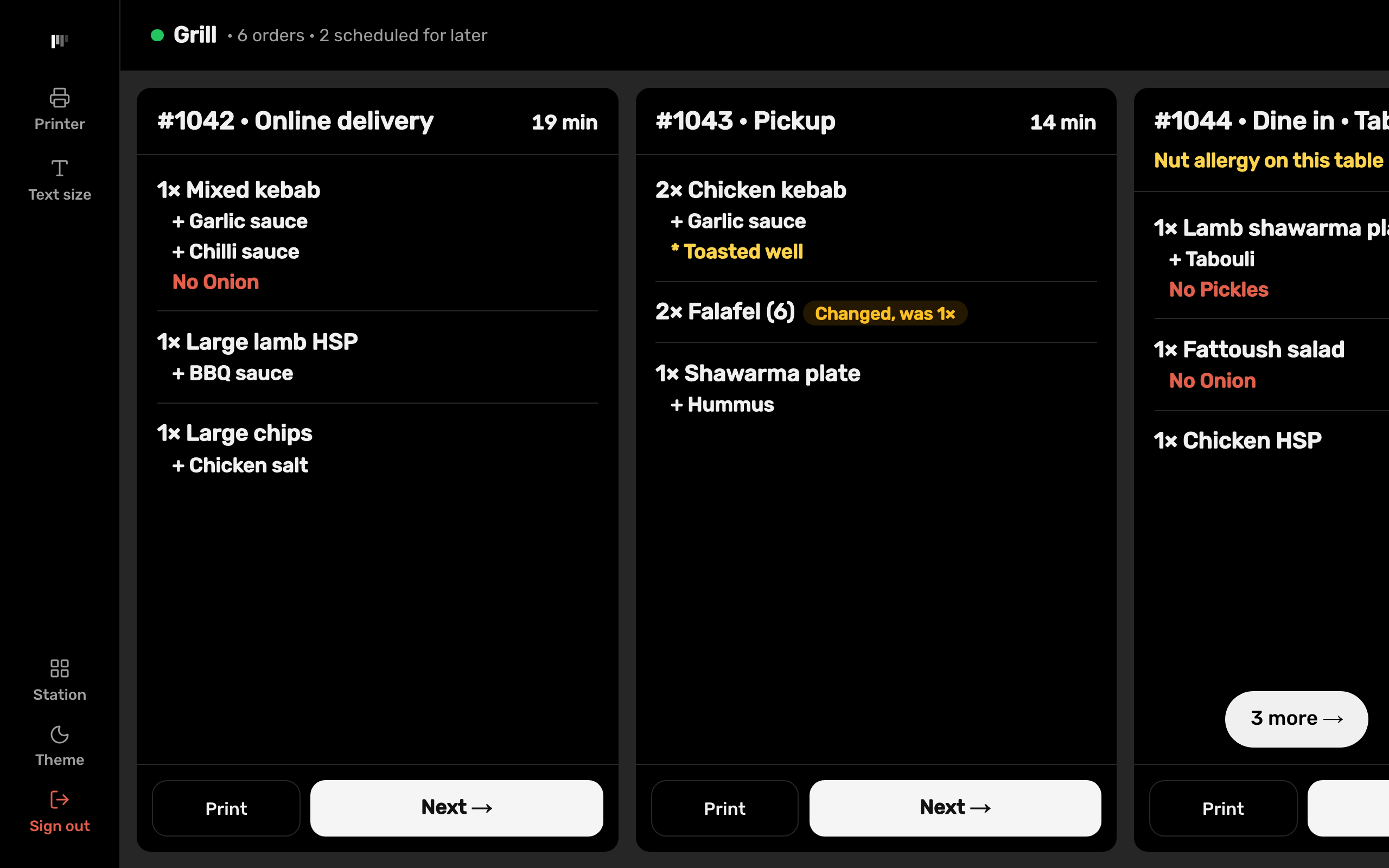
Screens for each station.
Each kitchen screen stays on its station. Tickets show how long they've been waiting, and scheduled orders appear when they're due, not when they were placed.
- Stations in a sequence: a ticket moves from one to the next, then done
- An Undo window after every bump, for the one that was tapped by mistake
- Sounds for new and cancelled tickets
- Changed items are struck through or marked, so the old version isn't cooked
- Text size you can turn up, or set to fit a wall screen
Dockets that print where they should.
Each item's docket goes to its printer group. Turn auto-print off for a group that only uses a screen.
- ESC/POS and Star printers on your network
- CANCELLED and ORDER CHANGED dockets
- If a printer runs out of paper, the docket waits instead of being lost
- Reprint an order, or print just the items you pick
Know how fast the kitchen is.
Reports show the typical ticket time and the slow end (90th percentile), so a slow night shows up as a number, not a feeling.
- Kitchen times in the owner's reports
- Printer problems shown on the POS as they happen
At a glance.
- Runs on
- Android tablets, or any browser
- Printers
- Network receipt and kitchen printers (ESC/POS or Star)
- Limit
- Up to 10 kitchen screens per store
See it with your own menu.
We'll set up a demo the way your shop works, or start you on a free trial.